Solax Mobility Traveller Maintenance: Battery & Tire Care Guide
Owning a Solax Mobility Traveller means enjoying freedom in a portable, travel-ready mobility scooter—but keeping it reliable requires focused maintenance on two critical components: the battery and tires. Neglecting these areas can lead to unexpected breakdowns, reduced range, or safety issues during travel. This guide delivers practical, step-by-step advice for preserving your Traveller’s battery life and tire performance, helping you avoid costly repairs and ensuring smooth journeys wherever you go.
Why Does Battery Care Matter for My Solax Mobility Traveller?
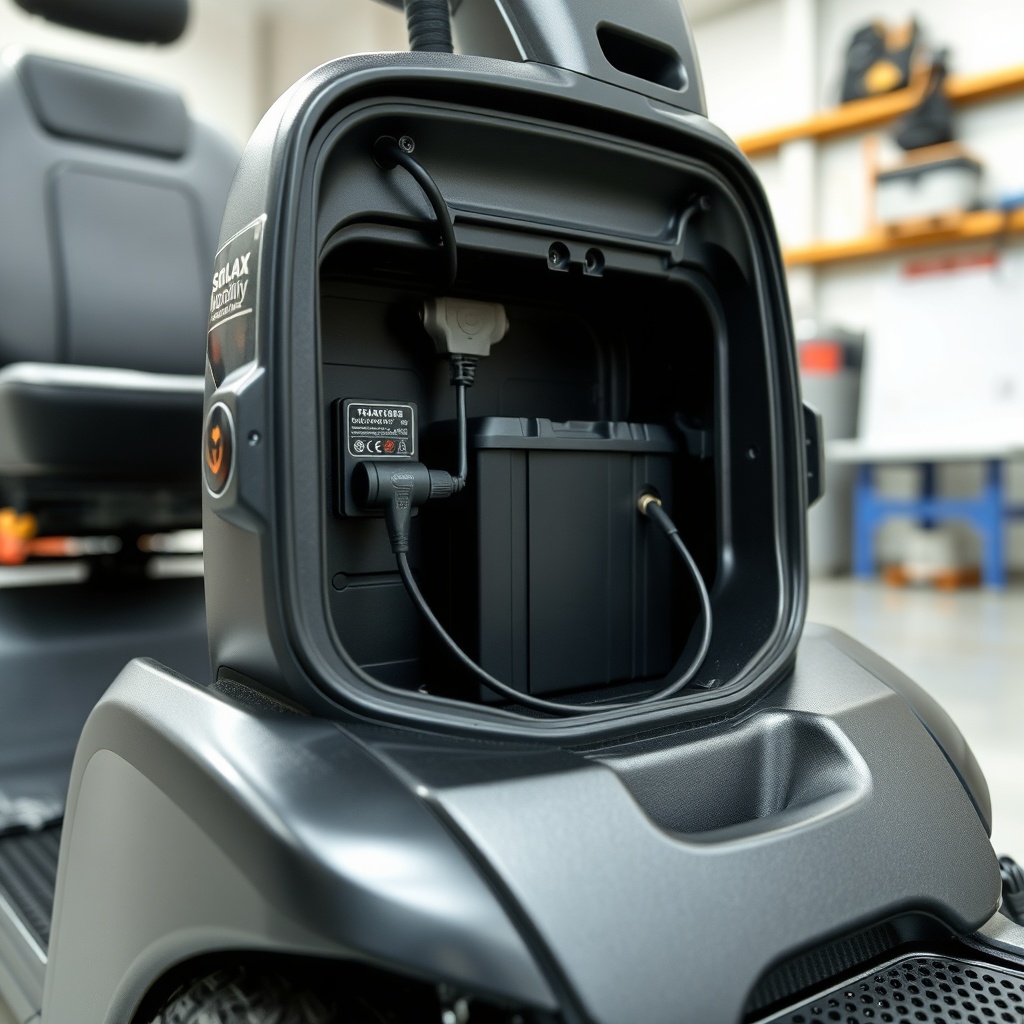
The battery is the heart of your Solax Mobility Traveller, directly affecting range, speed, and overall dependability. Typically equipped with a 24V, 12Ah sealed lead-acid (SLA) battery pack (two 12V batteries in series), it powers up to 13 km on a full charge under ideal conditions. However, improper charging habits, deep discharges, or storage in extreme temperatures can slash battery life by half or more. For a replacement battery costing around £80 to £120 (or local equivalent), following correct care procedures can extend its service from 12 months to over three years, saving you significant money. Always use the provided 2A charger and avoid charging below 0°C or above 40°C—a simple rule that prevents internal damage.
How Should I Maintain the Tires on My Solax Traveller?
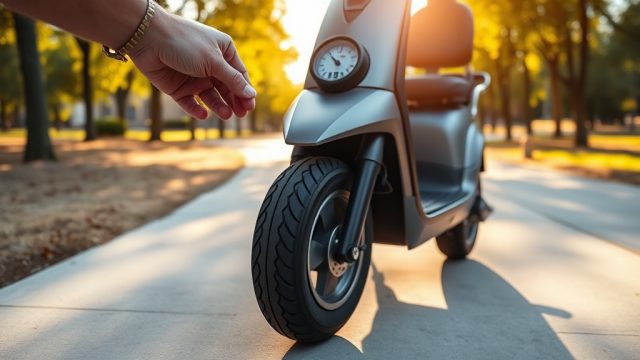
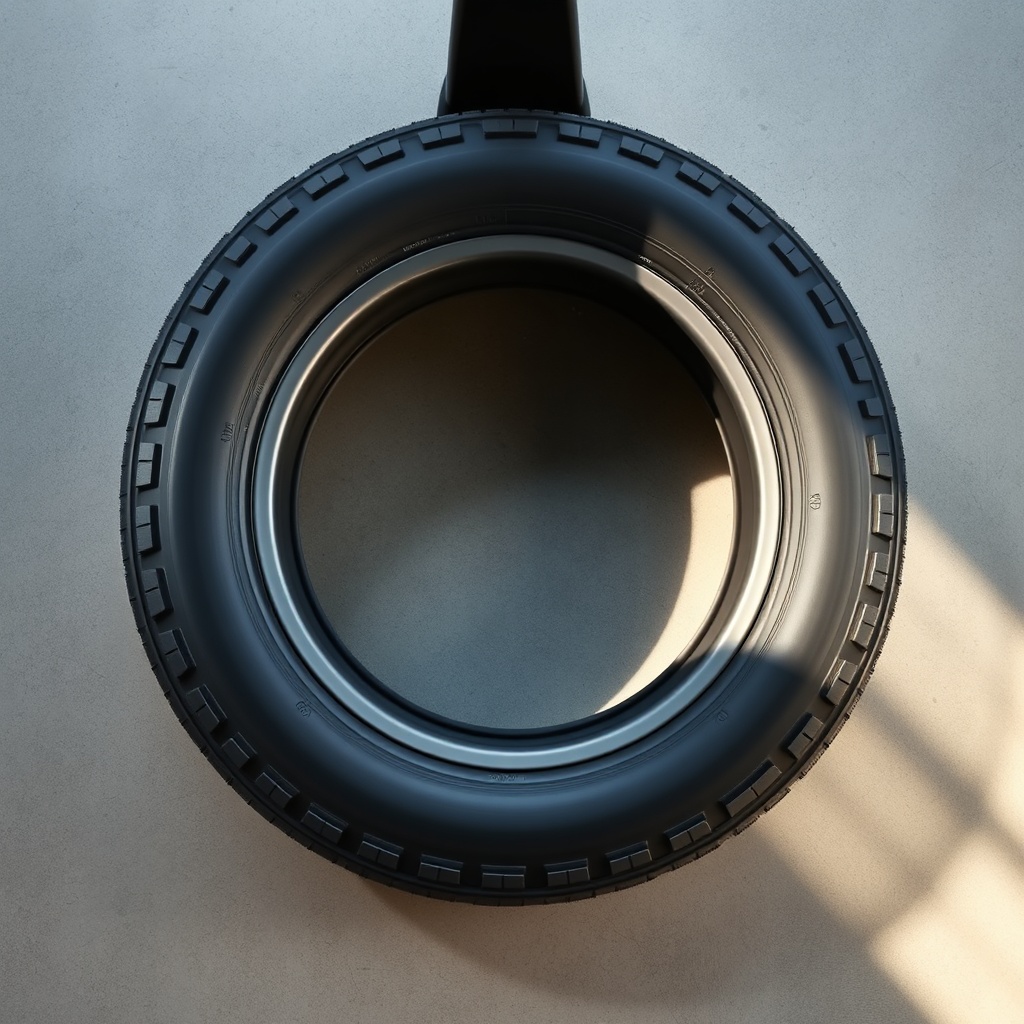
Your Solax Mobility Traveller rides on solid, non-pneumatic tires (typically 2.8 x 1.7 inches front and rear), meaning they never go flat. This is a huge advantage for travel—no punctures, no air loss. Maintenance focuses on wear inspection and tread cleaning. Check monthly for cracks, uneven wear, or debris lodged in the tread pattern, which can reduce grip on wet or loose surfaces. A tire that has worn down to less than 1/16 inch (1.5 mm) of tread should be replaced immediately. Replacement tires cost about £25 to £40 per set, a small investment for safety. For detailed tire-specific guidance, refer to our Solax Mobility Traveller Tire Pressure: Maintaining Optimal Performance guide.
What Is the Correct Charging Routine for Maximum Battery Life?
Charging habits make or break battery longevity. For the Solax Mobility Traveller’s SLA batteries, follow these steps: charge after every use, even for short trips—partial recharges are better than deep discharges. Never let the battery drain below 20% capacity; deep cycling stresses the plates and reduces capacity permanently. Plug the charger into the scooter first, then the wall outlet; after charging (6–8 hours typical), unplug the wall first, then the scooter. Store the scooter with a fully charged battery if not used for weeks, and recharge monthly to prevent sulfation. A battery charger replacement costs around £30–£50 if your original fails. Also, consider the Solax Mobility Traveller Accessories: Customization for Comfort and Safety article for optional battery monitors.
| Maintenance Task | Frequency | Severity (1=Low, 5=High) | Cost (GBP) |
|---|---|---|---|
| Battery charge cycle check | After every use | 3 | £0 (electricity only) |
| Tire tread depth inspection | Monthly | 2 | £0 (visual) |
| Battery terminal cleaning | Every 3 months | 1 | £5 (cleaning supplies) |
| Tire replacement | When worn (<1.5mm) | 4 | £25–£40 |
| Battery replacement | Every 12–24 months avg. | 5 | £80–£120 |
How Do I Inspect the Tires for Wear on a Solax Traveller?
Inspecting tires on the Solax Mobility Traveller is straightforward since they are solid rubber. First, place the scooter on a flat surface, turn off power, and lift the rear for easy access. Check for visible cracks, especially around the hub area—exposure to UV or extreme heat can cause aging. Run your finger along the tread surface to feel for smooth spots or embedded stones. If the tire shows any sidewall cracking or uneven wear patterns, replace it immediately. A worn tire can affect steering precision and braking distance, especially on ramps or inclines. For portability tips that include tire inspection during travel, read Solax Mobility Traveller Portability: Essential Travel Tips for Easy Transport.
How Can I Extend Battery Range on My Solax Traveller?
Range anxiety is common, but simple practices can maximize each charge. Start by ensuring tires are clean—debris increases rolling resistance, even on solid tires. Keep the scooter’s weight within the 113 kg (249 lbs) maximum load; extra weight drains the battery faster. Accelerate gently and avoid sudden stops; aggressive driving can reduce range by 15–20%. If you travel on inclines, plan routes with gentler slopes. Charge the battery after every outing, even for short distances, to keep it topped up. If you notice the range dropping significantly (e.g., from 13 km to 8 km), it’s a sign the battery needs replacing. For weight comparisons with other travel scooters, see Solax Mobility Traveller vs Pride Go-Go Elite Traveller Plus: Portability Comparison for Travel.
What Owners Say About Solax Traveller Maintenance
Based on verified reviews from UK mobility forums and online retailers, owners consistently praise the low-maintenance design of the Solax Mobility Traveller, particularly the puncture-proof tires. One reviewer commented, “I’ve had mine for 18 months—never touched the tires, just wiped them clean. The battery still holds a good charge for my weekly shopping trips.” Another noted, “I wish I’d known about terminal cleaning sooner; after a year, the connections got crusty, but a quick brush fixed it. Now I check every three months.” On battery care, a user in Scotland shared, “Storing it in the shed during winter killed my first battery in 10 months. Now I bring it inside—second battery has lasted two years.” Owners also appreciate that the scooter’s solid tires eliminate roadside punctures during travel, though they recommend periodic inspection for debris.
Frequently Asked Questions
1. Can I charge the Solax Traveller battery overnight?
Yes, but only if the charger is automatic (the included unit is). It switches to trickle charge after full charge, so overnight charging is safe. Avoid leaving it plugged for more than 12 hours regularly, which can stress the battery.
2. What happens if my Solax Traveller tire gets a cut?
Since the tires are solid, cuts rarely cause air loss, but they can weaken structural integrity. If the cut is deeper than 2 mm or exposes internal material, replace the tire immediately to prevent failure during use.
3. How do I clean the battery terminals on the Traveller?
Turn off the scooter, remove the battery cover, and disconnect terminals (negative first). Use a mixture of baking soda and water on a brush to neutralize corrosion, then rinse with distilled water and dry. Apply dielectric grease before reconnecting.
4. Can I replace the SLA battery with a lithium-ion upgrade?
It is not recommended unless the scooter is specifically designed for lithium chemistry. The charger and battery management system are calibrated for SLA; an upgrade could cause fire risk or damage. Stick to original spec replacements.
5. My Traveller’s battery range dropped suddenly. What should I check?
First, inspect tires for excessive debris causing drag. Next, verify the charger outputs correct voltage (24V). If both are fine, the battery likely has a dead cell—replace it. Avoid riding until replacement to prevent stranding.
6. Do I need to lubricate the wheels on the Solax Traveller?
No, the wheel bearings are sealed and maintenance-free. Do not apply lubricants to the axles or hubs—this can attract dirt and cause failure. Only inspect for unusual noise or play, which indicates bearing replacement is needed.